How to Sync AI Generated Content Directly to Your WordPress Site with Webhooks
Master the technical setup for syncing AI content to WordPress using webhooks. Learn to automate your CMS workflow and dominate search rankings in 2026.
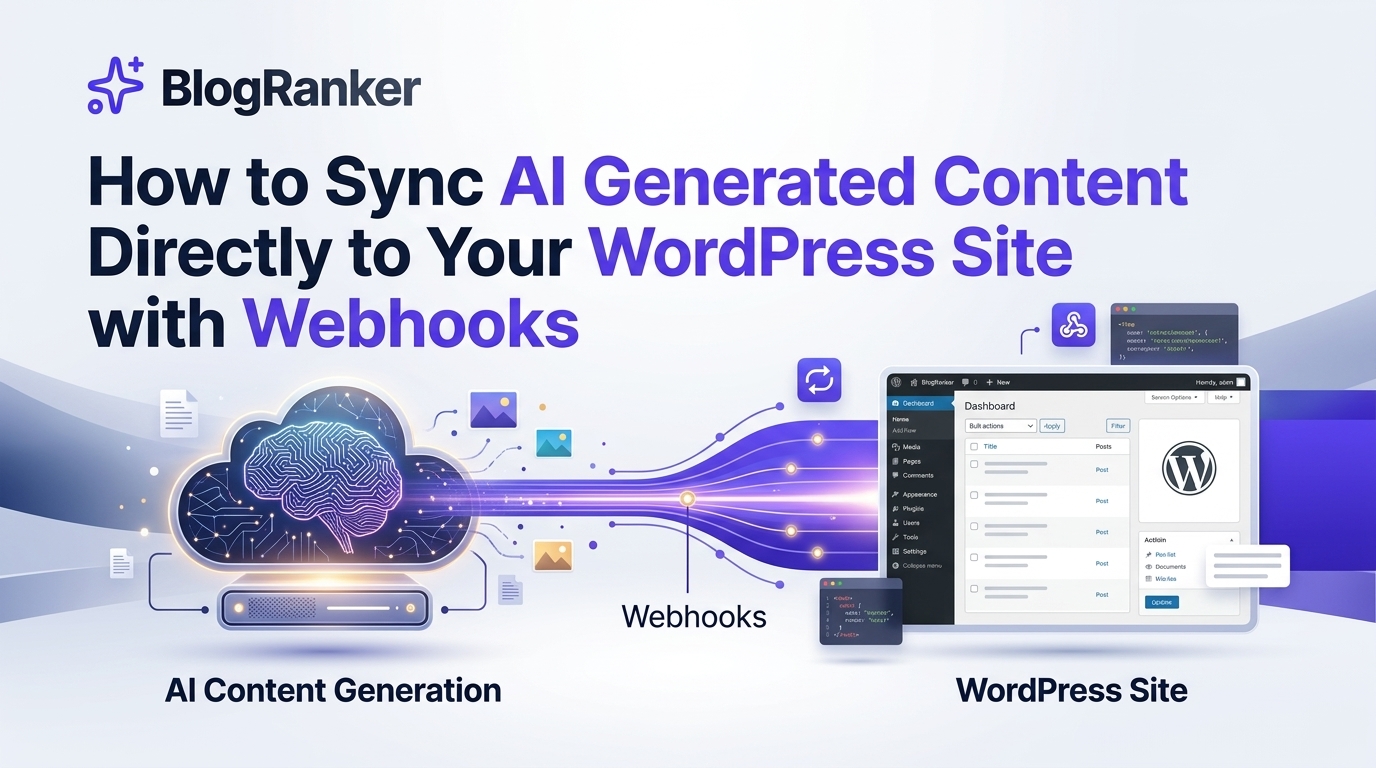
Manual data entry is the silent killer of SEO scaling. Copying text from an AI editor, formatting headers, re-uploading images, and manually setting metadata for every blog post wastes hours that founders and agency owners simply do not have. This friction prevents you from hitting the content volume necessary to dominate search engines in 2026.
Automating the bridge between your content generator and your CMS is no longer optional for high-growth brands. This guide provides a detailed technical blueprint for using webhooks to push high-quality AI articles directly to WordPress. By the end of this article, you will understand how to build a hands-free publishing engine that maintains your brand voice while increasing your output tenfold.
While scaling content, many founders also evaluate their paid strategy to balance organic growth. Understanding the trade-offs in Facebook Ads Vs Google Ads For Lead Generation For Small Service Companies helps in building a multi-channel acquisition funnel that supports your SEO efforts.
Table of Contents
- Understanding The Webhook Architecture For AI Content
- Preparing Your WordPress Environment For Remote Posting
- Configuring The Webhook Payload And Data Mapping
- Automating Visuals And Internal Links
- Security Protocols For Automated CMS Access
- Comparing Automation Methods For AI Content Sync
- Frequently Asked Questions
Understanding The Webhook Architecture For AI Content
A webhook is a "reverse API" that allows one application to send real-time data to another as soon as an event occurs. In the context of AI SEO, when your AI engine finishes generating a long-form article, it triggers a POST request to your WordPress site. This request carries the article body, title, featured image URL, and SEO metadata.
Unlike traditional polling, where your site constantly asks the AI tool if a post is ready, webhooks are instantaneous. This speed is vital for Generative AI Optimization (GAIO), where being the first to cover a trending topic can determine whether LLMs like ChatGPT or Gemini cite your brand as a primary source. Integrating these systems requires a basic understanding of the WordPress REST API, which acts as the gateway for external data.
To ensure your automated posts maintain a premium feel, the visual elements must be high-quality. Using tools like Adobe Firefly Vs Leonardo AI For Creating Consistent Brand Visuals Fast can help you generate the necessary assets that your webhook can then pull into the WordPress media library automatically.
Preparing Your WordPress Environment For Remote Posting
Before you can send data to WordPress, you must configure the site to receive it securely. The WordPress REST API is enabled by default, but it requires authentication to allow post creation. The most common method in 2026 is using Application Passwords, which provides a unique token for your AI tool without compromising your main admin password.
Navigate to Users > Profile in your WordPress dashboard. Scroll to the Application Passwords section, give your new connection a name like "BlogRanker Sync," and save the generated password. You will need this, along with your username, for the Authorization header in your webhook configuration. This setup is the foundation for any 11 Ways to Sync AI Content to WordPress to Save Hours of Manual SEO Work that you might choose to implement.
It is also recommended to install a lightweight plugin like "WP Webhooks" or use a middleware like Make (formerly Integromat) if you want to transform the data before it hits your site. These tools allow you to map custom fields, such as Yoast SEO titles or Rank Math descriptions, ensuring your technical SEO is perfect upon arrival. Using a middleware also lets you clean up any AI-specific formatting issues before the content goes live.
Scaling multiple sites requires a streamlined approach. Using 9 Best SEO Automation Tools To Replace Your Fragmented Content Tech Stack ensures you aren't managing dozens of disconnected plugins, which often leads to site bloat and security vulnerabilities.
Configuring The Webhook Payload And Data Mapping
The payload is the data structure sent by your AI generator. For WordPress to understand it, the JSON (JavaScript Object Notation) must follow the schema expected by the /wp-json/wp/v2/posts endpoint. A standard payload includes the title, content, status (draft or publish), and categories.
Below is an example of what a properly formatted JSON payload looks like for a WordPress webhook:
You must map these fields within your AI writing tool. Most modern AI platforms provide a UI to select which generated output goes to which JSON key. If you are using advanced automation, you can even instruct the AI to generate the Gutenberg block syntax (the comments like <!-- wp:paragraph -->) to ensure the layout remains intact when it arrives in the WordPress editor.
In the era of SGE, your content must be structured for machine readability. Learning How to Use AI Search Engine Optimization to Get Your Brand Cited by AI is essential to ensure that the content you are syncing is actually formatted to be picked up by LLM scrapers and search crawlers effectively.
Automating Visuals And Internal Links
A wall of text is an invitation for users to bounce. Your webhook should also handle image synchronization. When your AI generator creates an image, it usually provides a temporary URL. Your WordPress webhook listener should be configured to "sideload" this image—meaning WordPress downloads the image from the URL, adds it to the Media Library, and sets it as the Featured Image of the post.
Internal linking is the other half of the battle. If your automated posts don't link to each other, your Domain Authority will stagnate. You can use an AI tool that scans your existing sitemap and injects relevant internal links into the content before the webhook fires. This creates a self-sustaining SEO ecosystem where every new post strengthens the ranking of your entire site.
Automating these technical details allows SEO agency owners to manage 50+ clients with the same headcount previously required for 5. By reducing the manual overhead of internal link building and image management, you can focus on higher-level strategy. This is a core component of 9 Proven Ways to Automate Your Internal Linking Strategy to Rank Higher for rapid growth.
Security Protocols For Automated CMS Access
Opening your WordPress site to external POST requests requires a security-first mindset. While Application Passwords are secure, you should also implement IP whitelisting if your AI tool provides static IP addresses. This ensures that only requests coming from your trusted AI engine are processed by the server.
Additionally, always sync content as a "Draft" or "Pending Review" first. Even with high-quality AI models, a human should ideally perform a quick check for brand alignment and factual accuracy before hitting the final publish button. This hybrid approach—automated creation, automated syncing, and manual verification—is the gold standard for maintaining high DR and user trust in 2026.
For agencies, this workflow is a massive efficiency gain. Rather than hiring junior writers to post content, you hire one editor to review a queue of 20 posts a day. This shift in operational efficiency is why many are realizing Why AI Content Generators Beat SEO Agencies for Faster Organic Traffic Growth when it comes to raw execution speed and cost-effectiveness.
Comparing Automation Methods For AI Content Sync
| Feature | Manual Copy-Paste | Plugin-Based Sync | Custom Webhook (API) |
|---|---|---|---|
| Setup Difficulty | Very Low | Low | Medium |
| Speed | Slow (30 min/post) | Moderate (5 min/post) | Instant (0 sec/post) |
| Customizability | High | Low | Infinite |
| Reliability | Human Error Prone | Plugin Conflicts | High Stability |
| Scalability | Non-scalable | Limited by Plugins | Fully Scalable |
| Cost | High Labor Cost | Monthly Plugin Fees | Low Infrastructure Cost |
As the table shows, while custom webhooks require a bit more upfront technical configuration, they offer the highest level of scalability and reliability. For a SaaS founder looking to scale from 10 to 1,000 pages, the investment in a webhook-based workflow pays for itself in labor savings within the first week. This is exactly how BlogRanker vs Fragmented SEO Tools helps businesses consolidate their stack and move faster.
Frequently Asked Questions
What is a webhook in WordPress content automation?
A webhook is a technical bridge that allows your AI writing tool to send finished articles directly to your WordPress database as soon as they are generated, eliminating the need for manual entry.
How do I secure a WordPress webhook for AI posting?
Use WordPress Application Passwords for authentication, ensure your site uses HTTPS for encrypted data transfer, and consider whitelisting the AI tool's IP address to prevent unauthorized access.
Can webhooks sync featured images and SEO metadata?
Yes, by using the WordPress REST API and specific JSON keys, you can automatically set featured images, Yoast or Rank Math metadata, and category assignments during the sync process.
Should I publish AI content immediately or save as a draft?
It is best practice to sync AI content as a "Draft" to allow for a final human review, ensuring brand consistency and factual accuracy before the post goes live to search engines.
In 2026, the gap between market leaders and those struggling to rank is defined by their level of automation. By connecting your AI generation engine directly to WordPress via webhooks, you remove the primary bottleneck to organic growth. You move from being a manual content uploader to a high-level SEO architect.
Start by setting up your first Application Password and testing a simple JSON payload. Once the connection is live, you can begin scaling your content volume to levels that were previously impossible. This is how you win the search war and ensure your brand is the one cited by the next generation of AI search engines.
Created by BlogRanker.
KEEP READING
Discover more insights and strategies


Scale your traffic today.
Stop wasting hours writing manually. Let BlogRanker generate and publish high-ranking content for you on autopilot.
Try BlogRanker Free