How to Sync AI Generated Content Directly to Your Webflow Site with Webhooks
Learn how to automate your Webflow CMS using AI and webhooks. Discover the step-by-step process to sync high-quality articles directly to your site in 2026.
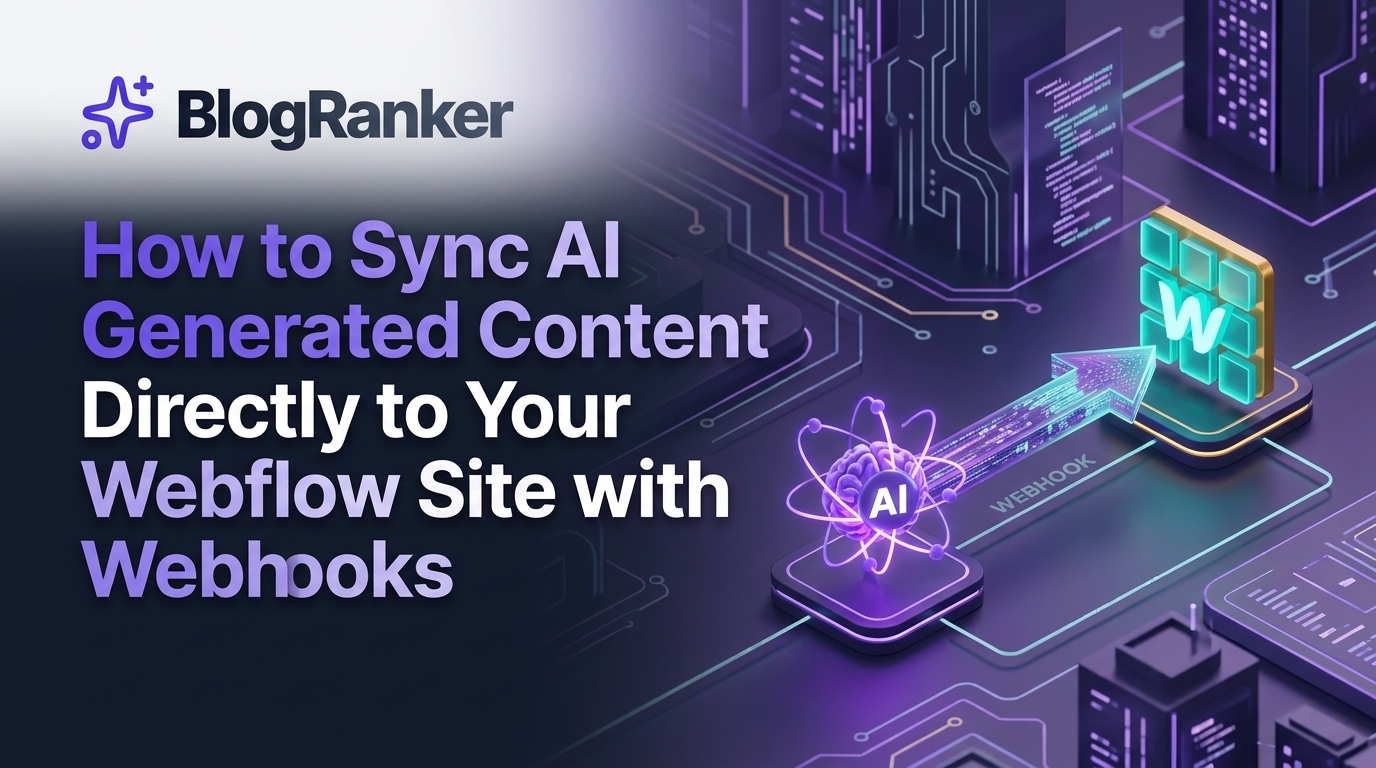
Manual data entry is the silent killer of scaling a digital presence. If you spend hours copying text from an AI interface, formatting headings, and manually uploading images to Webflow, you are losing the competitive race in 2026. This guide shows you how to build a hands-free pipeline that moves content from AI generators to your live site instantly.
Table of Contents
- Why Automation Is Necessary For Webflow Content In 2026
- Understanding Webhooks In The Webflow Ecosystem
- Preparing Your Webflow CMS For Automated Incoming Data
- The Middleware Engine Connecting AI To Webflow
- Step By Step Guide To Building The Sync Pipeline
- Managing AI Generated Images And Rich Text Formatting
- Comparison Of Middleware Platforms For Webflow Syncing
- Advanced Configuration And Optimization Strategies
- Frequently Asked Questions
Why Automation Is Necessary For Webflow Content In 2026
In the current digital environment, the speed of content production determines your authority. Search engines and AI answer engines now prioritize sites that provide fresh, deeply researched, and consistent information. For founders and agency owners, the bottleneck is no longer the writing process itself, but the distribution and publishing phase. If your team is stuck in the Webflow Designer interface for hours every day, they aren't focusing on strategy.
Automation allows you to maintain a high volume of output without sacrificing quality. By removing the human element from the "upload" phase, you eliminate formatting errors and ensure that your SEO metadata is perfectly synced every time. This is especially vital when you consider Why AI SEO Platforms Outperform Manual Content Teams for Organic Growth, as the efficiency gains allow for a level of scale that manual teams simply cannot match.
Understanding Webhooks In The Webflow Ecosystem
A webhook is essentially a digital notification sent from one application to another. In the context of Webflow, webhooks act as the bridge that allows your AI content engine to speak directly to your CMS. Instead of you logging in to create a new post, the AI engine sends a "package" of data—including the title, body text, and images—to a specific URL that Webflow or a middleware tool monitors.
When Webflow receives this data, it automatically creates a new item in your chosen collection. This process happens in milliseconds. Understanding this mechanism is the first step toward building a truly autonomous marketing machine. If you want to track how these automated pages convert once they are live, you should also learn How to Set Up the Meta Pixel for Tracking Website Conversion Sales Events to ensure your data pipeline is complete from production to purchase.
Preparing Your Webflow CMS For Automated Incoming Data
Before you can start syncing, your Webflow site needs a structure that can handle structured data. Your CMS Collection must have specific fields that correspond to the data your AI will generate. At a minimum, you need fields for the Post Body (Rich Text), Main Image (Image), Excerpt (Plain Text), and SEO Meta Tags (Plain Text).
If your CMS is disorganized, the sync will fail. You should create a "Status" field in your collection. This allows the webhook to push content into a "Draft" state first, giving you a final chance to review it before it goes live to the public. This hybrid approach combines the speed of AI with the safety of human oversight, a strategy often discussed when you use custom webhooks to sync AI articles directly to your Webflow site.
The Middleware Engine Connecting AI To Webflow
Most AI tools do not talk to Webflow directly. You need a middleware layer like Make.com, Zapier, or a custom-built API connector. This middleware receives the output from your AI (like Google Gemini or GPT-4), transforms the data into a format Webflow understands, and then triggers the Webflow API to create the CMS item.
This layer is where the magic happens. You can add steps to automatically generate images, rewrite headlines for better CTR, or even add internal links to other parts of your site. If you are looking for ways to monetize the traffic generated by this automated content, you might consider How to Sell Digital AI Art Prompt Bundles on Etsy to Earn Passive Income as a secondary revenue stream for your niche sites.
Step By Step Guide To Building The Sync Pipeline
Building the pipeline requires a logical flow. First, you must trigger the AI. This can be done via a scheduled task or a manual trigger in a Google Sheet. Once the AI generates the text, the middleware captures it. The next step is data mapping. You must tell the middleware that the "AI Title" should go into the "Webflow Name Field," and the "AI Article Text" should go into the "Webflow Post Body Field."
After mapping, you run a test. Successful tests will show a new item appearing in your Webflow CMS in real-time. If you find this process complex, remember that understanding these technical connections puts you ahead of 90% of your competitors. Many people still struggle with basic concepts, but If You Use These 5 AI Webhook Triggers You Can Automate Your Entire Content Site successfully, your operational costs will plummet.
AI Prompt For Webflow Compatible JSON
To ensure your AI produces content that fits perfectly into your webhook payload, use a prompt that enforces a JSON structure. This prevents the AI from adding unnecessary conversational filler that would break the sync.
Managing AI Generated Images And Rich Text Formatting
A common hurdle is getting images into Webflow. Webflow requires an image URL or a direct file upload. Your middleware can take an image generated by DALL-E 3 or Midjourney, host it temporarily, and then pass that URL to the Webflow CMS. This creates a visually complete post without any manual design work. To ensure these images match your site's aesthetic, refer to these 9 Smart Ways to Generate Custom Brand Aligned Blog Post Images With AI.
Rich text formatting is the other challenge. Webflow’s API expects clean HTML for rich text fields. If your AI output includes markdown or strange symbols, the formatting on your live site will look broken. Using a step in your middleware to convert Markdown to HTML is a standard practice that ensures your headers and lists look professional upon arrival.
Comparison Of Middleware Platforms For Webflow Syncing
| Feature | Zapier | Make.com | Custom API (Node.js) |
|---|---|---|---|
| Ease of Use | Very High | Medium | Low |
| Custom Logic | Limited | High | Unlimited |
| Cost (High Volume) | High | Affordable | Low (Server cost) |
| Webflow Integration | Excellent | Excellent | Requires Dev |
| AI Native Tools | Built-in | Extensive Modules | Via API |
Advanced Configuration And Optimization Strategies
Once your basic sync is working, you can move toward advanced automation. One such strategy is automated internal linking. Before the content is sent to Webflow, a script can scan your existing database for relevant keywords and insert links to older posts. This boosts your SEO and keeps users on your site longer. This is a key part of how modern platforms handle growth without manual intervention.
Another advanced move is the "multi-language sync." You can have your middleware send the original English content to a translation AI, then push different versions to separate Webflow folders or sites. This allows you to dominate international markets with the same effort it takes to publish a single post. This level of sophistication is what separates a simple blog from a high-authority content engine.
Frequently Asked Questions
How do I prevent AI content from sounding robotic on my Webflow site?
Use a "Brand Voice" file in your middleware that provides the AI with specific stylistic guidelines, vocabulary preferences, and sentence structure examples before generation. This ensures the output aligns with your unique brand identity every time.
Can I sync images directly from Midjourney to Webflow?
Yes, by using a Discord webhook or a third-party API that connects Midjourney to your middleware, you can automatically capture the generated image URL and pass it into the Webflow CMS Image field.
Will using webhooks for content hurt my SEO?
No, search engines do not care how the content arrives in your CMS; they only care about the quality, relevance, and structure of the information, provided you follow standard SEO practices during the AI generation phase.
How do I handle errors if a webhook fails to sync?
Set up an "Error Path" in your middleware (like Make.com) that sends you a Slack notification or an email if a Webflow API call returns an error, allowing you to fix the issue without losing data.
Conclusion
Syncing AI content to Webflow via webhooks is the ultimate efficiency move for digital marketers and founders in 2026. It bridges the gap between high-speed content generation and professional web presentation. By setting up a robust CMS, choosing the right middleware, and utilizing structured prompts, you can build a site that grows while you sleep. Stop wasting time on manual uploads and start building systems that scale.
Ready to dominate the search results? Start automating your content pipeline today and watch your organic traffic soar.
Created by BlogRanker.
KEEP READING
Discover more insights and strategies


Scale your traffic today.
Stop wasting hours writing manually. Let BlogRanker generate and publish high-ranking content for you on autopilot.
Try BlogRanker Free